
Switching from Amazon WorkMail?
Migrate seamlessly to Kopano Cloud
Amazon WorkMail support ends March 31, 2027. Don't wait until the deadline - migrate to a reliable Exchange-compatible platform. Kopano Cloud delivers secure email, calendars, and collaboration with native Outlook compatibility, hosted in Germany.
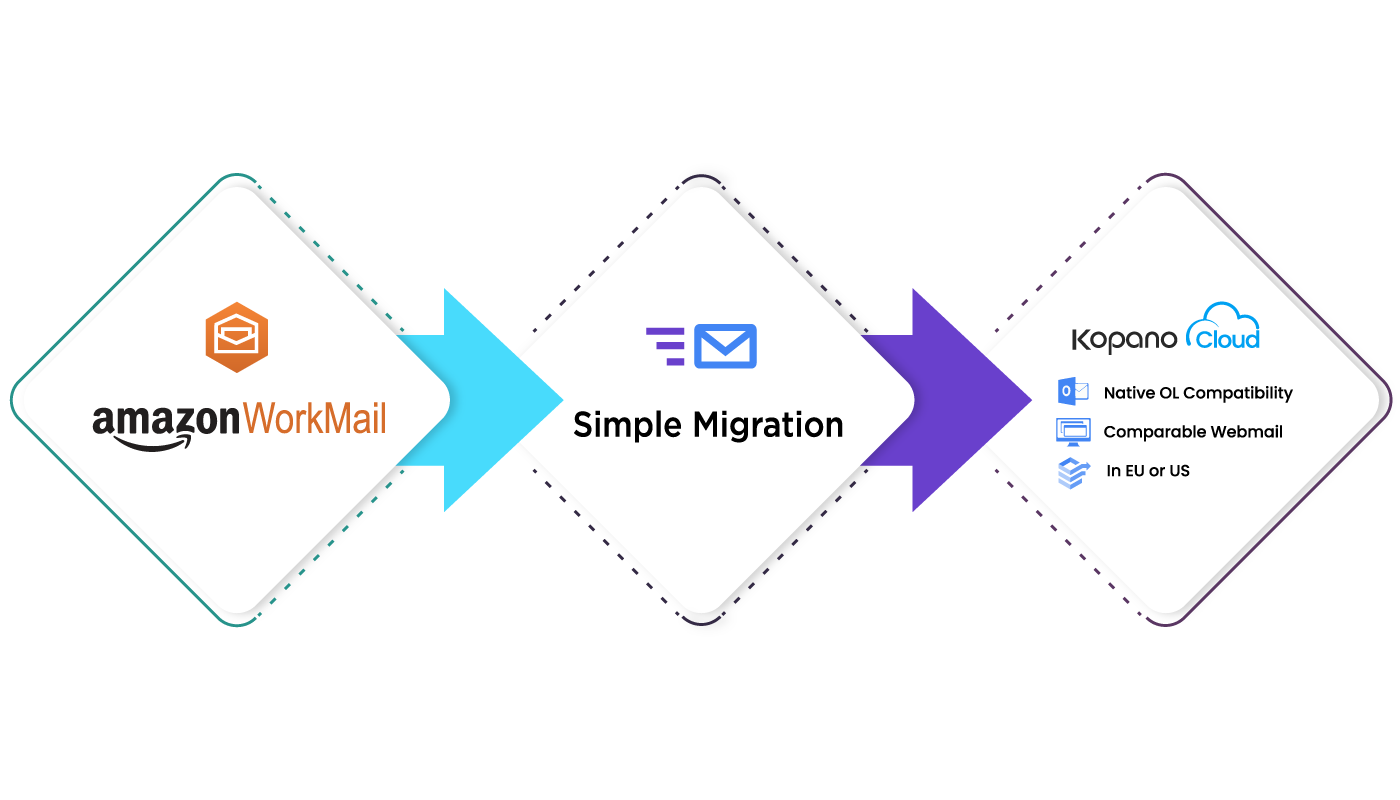
Amazon WorkMail vs. Kopano Cloud myexchange.rocks
See how Kopano Cloud myexchange.rocks compares with Amazon WorkMail. The comparison below highlights the key features you may have used with Amazon WorkMail and shows how you can continue using them with Kopano Cloud myexchange.rocks.
| Features | myexchange.rocksKopano · Germany | Amazon WorkMailAWS · retiring 2027 |
|---|---|---|
| Price | €2.99 / month / user | $4.00 / month / user |
| New sign-up | Open | Closed since Apr 30, 2026 |
| Data Location | Guaranteed EU | Customer-selected AWS region Not EU-guaranteed by default |
| Mailbox Storage | 50 GB | 50 GB |
| Data Protection Guarantee | ||
| Efficient Desktop Resource Usage | Not published | |
| 80% Less Power Usage in Data Center | Not published | |
| LINUX Secure Server Backend | Not disclosed Proprietary AWS infrastructure |
|
| Highly Scalable LINUX Server Backend | Scalable, backend undisclosed AWS-managed capacity, OS not published |
|
| Native Outlook Integration | ||
| IMAP Compatible | ||
| Email, Calendar & Contact Sharing | ||
| Webmail & Web Calendar | ||
| Mobile ActiveSync Compatible | ||
| Own domain & sub-domain | ||
| Anti-malware and Anti-spam Filter | ||
| Responsive Admin Center | ||
| Data-loss Prevention | Partial Mail-flow rules; no dedicated DLP engine |
|
| Data protection guarantee | No named guarantee Standard AWS shared-responsibility model |
|
| Automatic Patching | ||
| Access from Anywhere | ||
| Support | ||
| Guaranteed Uptime | 99.9% | 99.9% SLA service-credit threshold, not a stated guarantee |
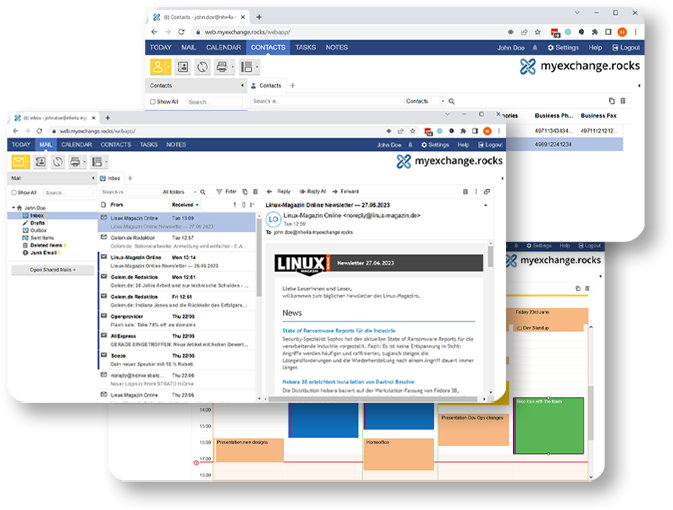
Exchange-compatible email and calendar hosted in Germany
- Keep your Outlook workflow - no retraining needed
- European data hosting - full GDPR compliance
- Native Outlook and ActiveSync support - no plugins required
- Predictable pricing - €2.99/mailbox with no hidden costs
Step 1
Order mailboxes for your required number of users
Step 2
Authorize our migration tool in your AWS console to access your WorkMail data
Step 3
Run a dry-run migration to measure time and verify the process
Step 4
Execute final migration and update DNS records to complete the switch
We know switching email providers can feel overwhelming.
That's why we've streamlined the entire process

Built on 20 years of groupware experience
Kopano Cloud evolved from Zarafa Groupware to Kopano Groupware, and now to our modern cloud platform. The platform is under active development with a focus on extending our Exchange Web Services (EWS) implementation to support additional clients like macOS Mail and Outlook for macOS.
Just like WorkMail, Kopano Cloud was designed with the Microsoft Outlook experience in mind rather than as an add-on to an existing product. Your data is securely hosted in Germany, ensuring full GDPR compliance.

Professional email hosting for your business
Flexible business email solution. Add or remove mailboxes anytime. Cancel without commitment.
WorkMail Support Ends March 31, 2027
Don't wait until the deadline. Start your migration today.